

3d Printers | Desktop 3d Printer
Resin vs Filament 3D Printers: Which Should You Buy? [2026 Comparison]
Apr
⚡ TL;DR — Quick Verdict by Buyer Type
| You Are… | Go With… | Why |
|---|---|---|
| 🎲 Miniatures & tabletop gamer | Resin | 25–50 micron detail. FDM can’t match at this scale |
| 🔧 Functional parts & prototypes | Filament (FDM) | Stronger, larger build volume, more material options |
| 🌱 Total beginner | Filament (FDM) | Safer, easier to learn, cheaper mistakes |
| 💍 Jewelry & fine art | Resin | Smooth finish, fine detail — unmatched for wearables |
| 🏫 Education & kids | Filament (FDM) | No toxic chemicals, safer to handle, kid-friendly |
| 🛍️ Selling on Etsy | Resin (mostly) | Higher-quality finish commands premium pricing |
Key numbers: Resin layers: 25–50 microns. Filament layers: 100–300 microns. Resin cost: ~$30–50/L. Filament cost: ~$20–25/kg. Resin requires post-processing (wash + UV cure). Filament is print-and-go.
Resin vs Filament 3D Printers: What’s the Actual Difference?
Buying your first 3D printer is exciting — until you realize there are two completely different technologies at the same price point. Filament (FDM) printers and resin (SLA/MSLA) printers both make 3D objects, but they work in entirely different ways, produce different quality levels, and suit completely different use cases.
This guide breaks down everything: how they work, what they cost to run, which is better for your specific goals, and what the safety tradeoffs really look like. By the end, you’ll know exactly which type to buy — and why.
How FDM (Filament) 3D Printing Works
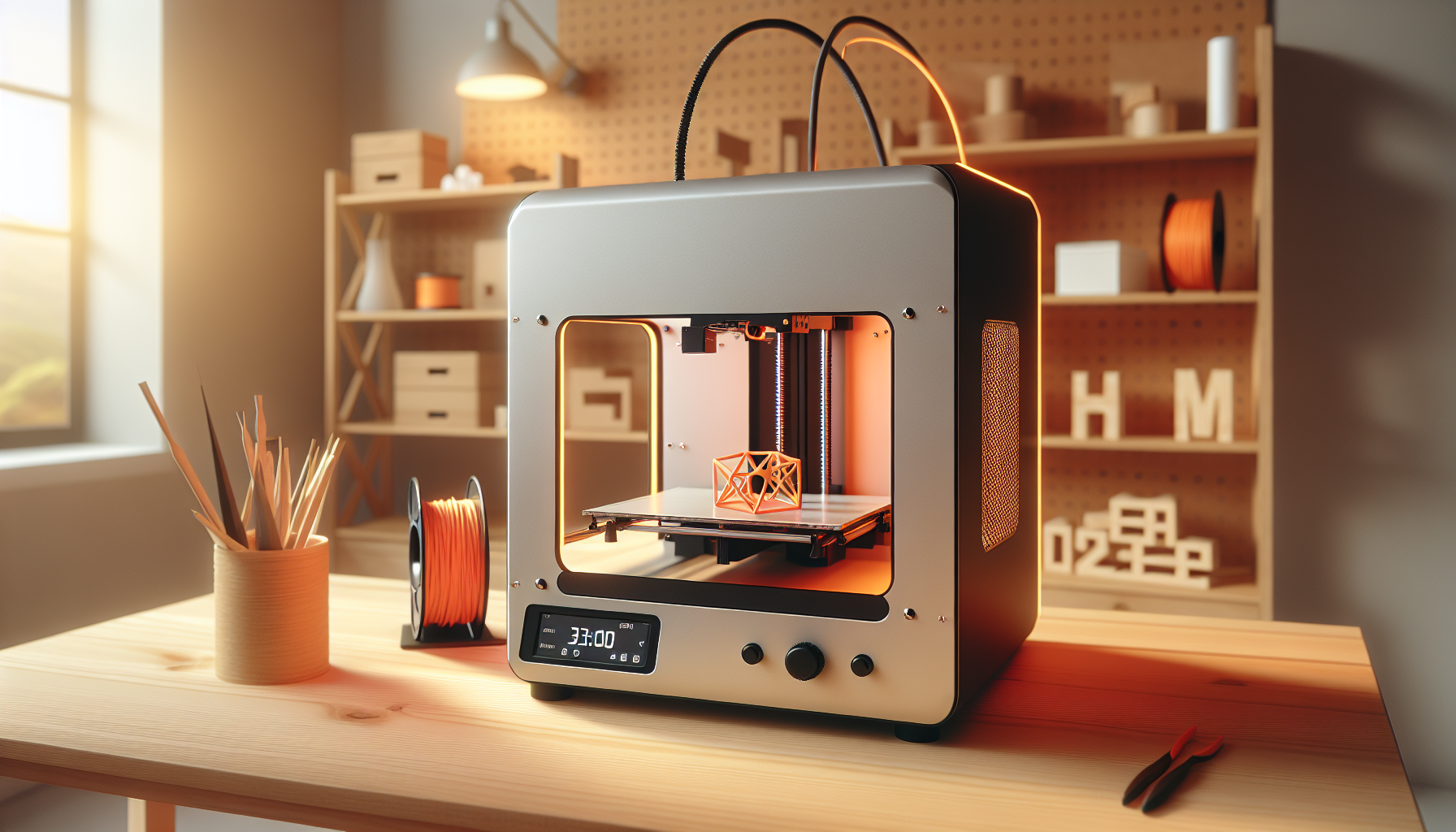
Fused Deposition Modeling (FDM) — also called FFF (Fused Filament Fabrication) — is the most common type of home 3D printer. The printer feeds a spool of plastic filament into a heated nozzle. That nozzle melts the filament and deposits it in thin layers onto a build platform, slowly building your object from the bottom up, one layer at a time.
Each layer fuses to the one below as it cools. Layer heights typically range from 100 to 300 microns (0.1–0.3mm) — which is why you can sometimes see or feel faint horizontal lines on FDM prints. The most common filament material is PLA (biodegradable, beginner-friendly), followed by PETG, ABS, TPU, and Nylon. Build volumes typically range from 220×220×250mm at entry level to 350×350mm+ on higher-end machines. The SUP Desk A8 Auto-Leveling 3D Printer and the SUP Desk 3.5-Inch Auto-Leveling 3D Printer are excellent examples of capable FDM machines at accessible price points.
FDM printers excel at large functional objects: replacement brackets, custom enclosures, drone parts, tool holders, and anything that needs to survive real-world use. The material options are vast: flexible TPU for phone cases, carbon-fiber-filled Nylon for structural parts, and water-soluble PVA for complex support structures. See our 3D Printer Buyer’s Guide Under $200 for top FDM picks at every budget.
How Resin (SLA/MSLA) 3D Printing Works
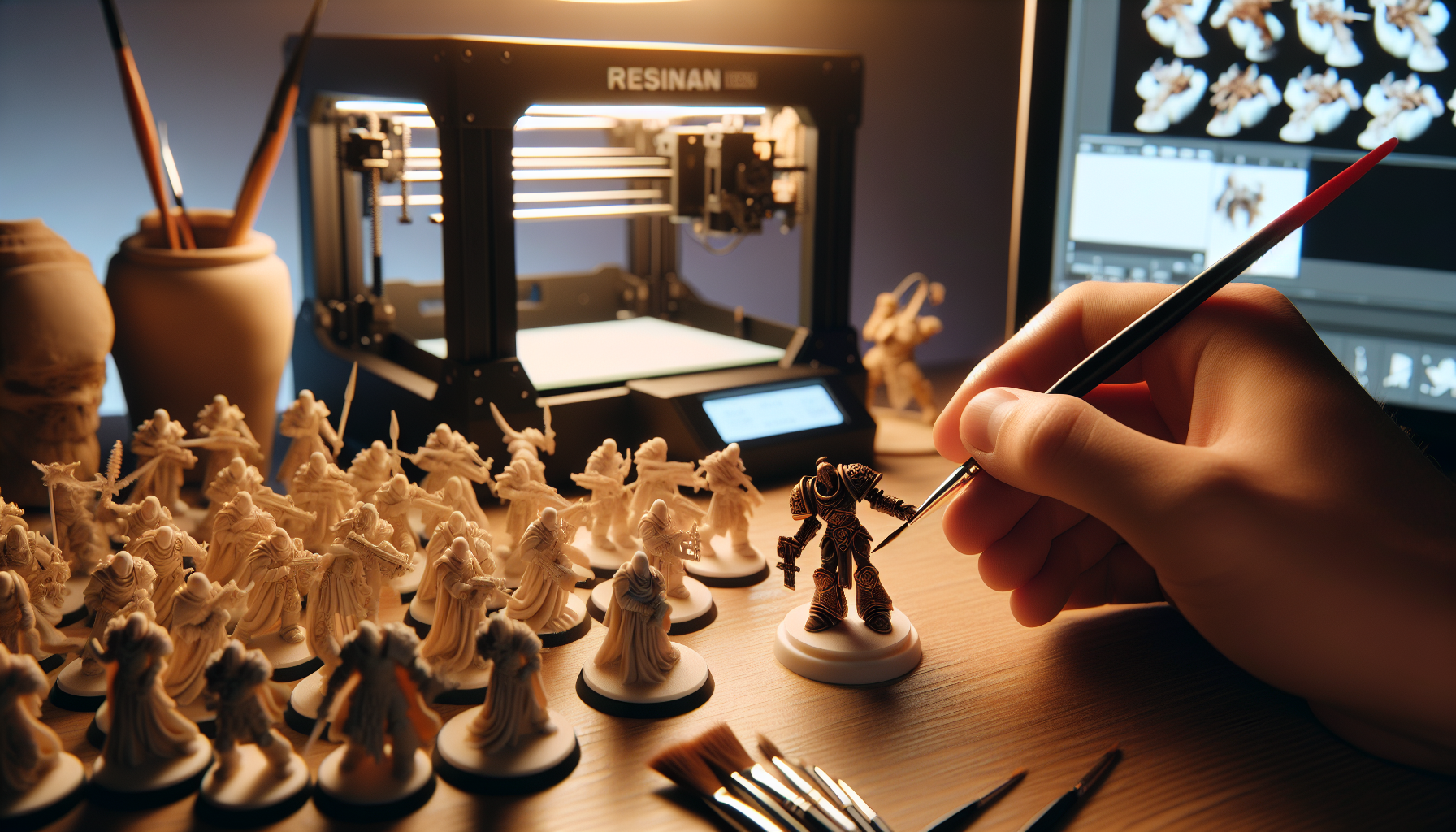
Resin printing (SLA — Stereolithography, or MSLA — Masked Stereolithography) works completely differently. Instead of building up with solid plastic, you start with a vat of liquid photopolymer resin. A UV light source — a laser in SLA, or an LCD screen masking a UV LED array in MSLA — shines into the resin from below, curing each layer into a solid. The build platform pulls the partially-printed object upward, one paper-thin layer at a time.
Because the curing is controlled by light pixels rather than a nozzle diameter, resin printers achieve layer heights of 25–50 microns (0.025–0.05mm) at standard settings — some as fine as 10 microns. That’s 4–10x more detailed than FDM. The result: prints with essentially invisible layer lines, glass-smooth surfaces, and details measured in fractions of a millimeter. Think sword hilts on a 28mm miniature, fine engraving on a ring band, or dental model accuracy.
The tradeoff: resin is a liquid chemical that requires post-processing after every single print. Parts must be washed in isopropyl alcohol (IPA) to remove uncured resin, then UV-cured to fully harden. The resin itself is a skin irritant, requires gloves to handle, and releases VOC fumes during printing — ventilation is non-negotiable. See our detailed guide to the cheapest resin 3D printer for miniatures if fine detail work is your primary goal.
Head-to-Head Comparison: Resin vs Filament
| Category | 🖨️ Filament (FDM) | 🧪 Resin (SLA/MSLA) |
|---|---|---|
| Print Quality / Detail | 100–300 micron layers. Visible layer lines on small parts. | 25–50 micron layers. Near-invisible layer lines. Exceptional fine detail. |
| Print Speed (single object) | Faster per single part. Typical: 30–90 min for small parts. | Slower per object but prints 10+ at same time. Batch printing is resin’s superpower. |
| Material Cost Per Print | ~$0.05–0.15 for small parts. PLA costs ~$20–25/kg. | ~$0.15–0.30 for small parts. Standard resin ~$30–50/L. |
| Upfront Cost Range | $200–$600 for capable machines. Entry-level ~$220. | $180–$500 printer + $50–150 wash/cure setup. Effective starter cost: ~$280–$650. |
| Build Volume | Large. Typical: 220×220×250mm. Some up to 350×350mm+. | Smaller. Typical budget: 120×68×150mm. Mid-size: 219×123×250mm. |
| Ease of Use | Beginner-friendly. Load filament, level bed, print. Minimal cleanup. | More involved. Post-processing required every print. Steeper learning curve. |
| Post-Processing Required | Minimal. Remove supports, light sanding optional. | Mandatory. IPA wash (5–15 min) + UV cure (2–5 min) after every single print. |
| Safety Concerns | Generally safe. PLA has minimal fumes. ABS requires ventilation. | Resin is a chemical irritant. Requires nitrile gloves, ventilation, careful disposal. |
| Material Variety | Huge. PLA, PETG, ABS, TPU, Nylon, carbon fiber, wood, metal fills. | Growing. Standard, flexible, tough, castable, dental, high-temp resins available. |
| Best For | Large parts, functional prints, education, beginners, rapid prototyping. | Miniatures, jewelry, dental models, fine art, Etsy sellers. |
Full Cost Breakdown: What Does It Really Cost to Run Each?
The printer sticker price is only part of the story. Here’s what both setups cost over 6 and 12 months of active use — including everything you need to get printing.
Upfront Setup Costs
| Item | FDM (Filament) | Resin (SLA/MSLA) |
|---|---|---|
| Printer | $200–$400 (budget) | $180–$350 (budget) |
| Wash & Cure Machine | Not needed | $50–$120 |
| Nitrile Gloves (box) | Optional ($10) | Required ($10–$15) |
| Ventilation / Enclosure | Optional ($0–$50) | Required ($60–$200) |
| First Roll/Bottle of Material | ~$20–$25 (1kg PLA) | ~$30–$50 (1L resin) |
| Total Starter Budget | ~$230–$485 | ~$330–$735 |
Ongoing Costs Over 6 and 12 Months
| Expense | FDM Monthly | Resin Monthly |
|---|---|---|
| Printing material | $20–$40 (1–2kg PLA) | $30–$80 (1–2L resin) |
| IPA alcohol (resin wash) | $0 | $10–$20 |
| Replacement parts (nozzle/FEP) | $5–$10/mo avg | $15–$40/mo avg |
| Electricity | ~$3–$8 | ~$2–$5 |
| Monthly Total | ~$28–$58 | ~$57–$145 |
| 6-Month Running Cost | ~$168–$348 | ~$342–$870 |
| 12-Month Running Cost | ~$336–$696 | ~$684–$1,740 |
Bottom line on cost: Resin printing costs roughly 2–3x more to operate than filament. The detail quality is worth it for the right use cases, but if you’re new to 3D printing or printing large objects, filament is dramatically more economical. Browse the best 3D printers under $200 to see what FDM delivers on a tight budget.
Best For Miniatures & Tabletop Gaming → Resin Wins
This isn’t close. If you’re printing D&D miniatures, Warhammer armies, or tabletop terrain at 28–32mm scale, resin is the only technology worth considering. FDM physically cannot resolve the detail required — a 0.4mm nozzle cannot print a 0.3mm sword pommel or a facial expression on a 32mm figure. Resin printers work with pixel-level precision: a budget 9K LCD screen achieves XY resolution of 18–22 microns. At standard 0.05mm layer height, detail is essentially invisible to the naked eye.
Even more compelling: MSLA resin printers batch-print an entire army in the same time as a single figure. Every part on the build plate cures simultaneously regardless of quantity. Print 20 miniatures in 90 minutes. Filament printers trace each model sequentially — print time multiplies with quantity.
Recommended: Elegoo Mars 4 ($180) or Phrozen Mini 8K S ($270). Check the complete guide to the cheapest resin 3D printer for miniatures under $200 for tested picks.
Best For Functional Parts & Prototypes → Filament Wins
Need a replacement bracket for a shelf? A custom phone holder? A drone arm? A snap-fit enclosure? Filament wins every time for functional, structural parts. Standard resin is brittle — it looks great but snaps under stress. Filament materials like PETG, ABS, and Nylon have tensile strengths of 35–80 MPa and excellent impact resistance. They flex, take load, and survive real-world use.
FDM also offers material options that don’t exist in consumer resin: flexible TPU for grip cases and gaskets, carbon-fiber-filled Nylon for lightweight structural parts, and water-soluble PVA for complex overhangs. The SUP Desk Max 3D Printer with its 280×250×400mm build volume handles anything from enclosures to wall brackets. The SUP Desk A8 High-Accuracy DIY Kit delivers 0.004mm precision for tight-tolerance functional parts.
Best For Beginners → Filament Wins
If you’ve never 3D printed before, start with filament. The workflow is simple: load a spool, let the printer auto-level its bed, slice your model in free software like Bambu Studio or Ultimaker Cura, and print. When it finishes, remove the part and you’re done. Most modern entry-level FDM printers auto-level their beds, require no calibration, and start printing reliable objects within 30 minutes of unboxing.
Resin has a steeper onboarding curve: dialing in exposure settings, properly orienting and supporting models to prevent peel failures, and the mandatory post-processing workflow all take time to learn. Failed resin prints waste expensive material. And the chemical handling requirements add overhead that’s genuinely frustrating when you just want to make something.
Master filament first. Add resin when your use case demands it. Our complete Best 3D Printer for Beginners Under $500 guide covers the top picks with zero experience required. See also the 3D Printer Gift Guide under $100 for budget-friendly entry points.
Best For Artists & Jewelry Makers → Resin Wins
Jewelry designers, sculptors, and artists working at small scales need resin. Castable resin formulations allow you to print a model, invest it in casting material, and burn it out in a kiln — producing professional lost-wax cast jewelry directly from a 3D file. The surface finish off a well-tuned resin printer approaches injection-molding quality for small objects: smooth, detailed, production-ready with minimal post-processing.
For Etsy or craft market sellers, the perceived quality of resin prints supports premium pricing. Customers can feel the difference between a layer-line-covered FDM piece and a silky resin print. If your product’s value is in its aesthetics and precision, resin pays for itself quickly.
Best For Education & Kids → Filament Wins
Schools, libraries, maker spaces, and homes with children should not operate open resin printers without significant safety infrastructure. Uncured liquid resin is a chemical skin sensitizer — repeated skin contact can develop into a permanent allergy. Fumes from resin printing include VOCs that are harmful in enclosed spaces. Proper disposal of resin-contaminated materials requires hazardous waste handling.
PLA filament, by contrast, is made from renewable corn starch, is biodegradable, and produces minimal ultrafine particles at standard print temperatures. No gloves required, no chemical handling, no ventilation system needed for occasional use. For classroom 3D printing programs or household use with curious children, filament is the only responsible choice. The best beginner printers all use filament for exactly this reason.
Safety: What You Actually Need to Know
Resin Safety — Non-Negotiables
- Nitrile gloves, always. Uncured photopolymer resin is a skin sensitizer. Wear gloves whenever touching the printer vat, resin bottles, fresh prints, or IPA wash solution. Latex gloves are insufficient — nitrile only.
- Ventilation is mandatory. Resin releases VOCs during printing. Print in a garage or workshop, or use a sealed enclosure (grow tent: $60–$150) vented out a window via inline fan.
- UV curing station required. Parts aren’t fully cured off the printer. A $30–$60 UV curing lamp or wash-and-cure combo unit is required after every print.
- IPA wash solution. 90%+ isopropyl alcohol for removing uncured resin from prints. Budget $10–$20/month for regular use.
- Hazardous waste disposal. Resin-contaminated IPA cannot go down the drain. Cure under sunlight first (UV solidifies resin particles), then dispose per local guidelines.
- No resin near children or pets. Liquid resin is toxic to animals and a sensitization risk for kids. Garage or workshop storage only.
Filament Safety — Simpler Picture
- PLA is the safest option. Made from plant-based sources. Minimal ultrafine particles and VOC output at standard temperatures. Safe for bedroom/office printing with basic air circulation.
- ABS and ASA need ventilation. These materials print at 230–250°C and release styrene. Don’t print ABS in an enclosed room without exhaust ventilation.
- No gloves or chemical handling required for standard filaments. Filament is solid plastic — it only becomes hazardous inside the heated nozzle.
- Hot end and bed temperatures are burn hazards — keep children supervised around active printers. The nozzle runs at 180–260°C.
Watch this video covering FDM and resin 3D printer ventilation and safety in detail:
Post-Processing Comparison
Filament Post-Processing (5–15 Minutes, Optional)
- Support removal: Snap or cut away support structures with pliers or flush cutters (~5 min). Many prints need no supports at all with proper model orientation.
- Light sanding: Optional. 120–400 grit sandpaper smooths visible layer lines (~15 min). Most functional parts skip this entirely.
- Priming and painting: Optional for display pieces. Standard spray primer bonds to PLA and PETG. Any acrylic paint works for finishing.
- Acetone smoothing: ABS can be vapor-smoothed with acetone for a near-injection-molded surface (requires precautions — acetone is flammable).
Resin Post-Processing (20–30 Minutes, Mandatory Every Print)
- Step 1 — Remove from plate (gloves on): Use a metal scraper to carefully detach the print. Parts are still slightly flexible and fragile at this stage.
- Step 2 — IPA wash (5–15 min): Submerge in 90%+ isopropyl alcohol to dissolve surface resin. Agitate by hand or use an ultrasonic cleaner. Wash time scales with part size.
- Step 3 — Support removal: Best done before final cure while resin is still slightly soft. Flush cutters remove support nubs cleanly. Remaining marks can be sanded.
- Step 4 — UV cure (2–5 min): Place the washed part in a UV curing station. This completes the photopolymer reaction, locking in final hardness and mechanical properties. Under-cured prints remain brittle and sticky.
- Step 5 — Optional finishing: Primer, paint, and clear coat for display pieces. Resin accepts paint beautifully once fully cured.
The resin workflow becomes routine after a few prints, but it’s a genuine time investment. Budget 30–45 minutes per print session including setup and cleanup, versus 5–10 minutes for filament.
FAQ: Your Resin vs Filament Questions Answered
Can I use a resin printer at home?
Yes, with the right setup. You need a ventilated space (garage, workshop, or a room with a dedicated window exhaust fan), nitrile gloves, and a wash-and-cure station. Many home users run resin printers successfully in a spare bedroom inside a grow tent enclosure vented out a window. If you have young children or pets in the home, a garage setup is strongly recommended to eliminate any contact with liquid resin or fumes.
Which is cheaper long-term — resin or filament?
Filament is significantly cheaper long-term. Material costs run 40–60% lower per print, and you don’t need IPA, FEP film replacements, a wash-and-cure machine, or ventilation equipment. Over 12 months of active use, filament typically costs $340–$700 in ongoing expenses versus $680–$1,740 for resin at similar usage levels. The gap widens at higher print volumes. See our budget 3D printer guide for low-cost FDM options.
Can filament printers match resin detail?
Not at small scales. For objects larger than roughly 80–100mm, a well-tuned FDM printer with 0.2mm layer height produces impressive results. But for miniatures, jewelry, or anything requiring sub-0.5mm detail, resin wins by a wide margin. A standard 0.4mm nozzle physically cannot produce features smaller than itself. A resin LCD pixel is 18–50 microns. This is physics — not a settings issue.
Do I need special ventilation for resin printing?
Yes. Resin releases VOCs during printing that are harmful to inhale in enclosed spaces. At minimum, print in a garage or workshop with open air circulation. For indoor printing, seal the printer in an enclosure and vent exhaust out a window using a 4-inch inline fan and flexible duct. A grow tent enclosure ($60–$150) is the most popular solution for apartment or home office use. Never run an unsealed resin printer in a bedroom or living area.
Which is better for selling on Etsy?
Resin is better for small decorative items, jewelry, miniatures, and figurines where surface quality is the selling point. Filament is better for functional items, large pieces, and anything where size matters more than finish. Many successful Etsy 3D print sellers run both: resin for premium display items, filament for practical products. If you’re starting with one, resin commands higher prices per unit at the scales most popular on Etsy.
Is a $200 resin printer actually good?
Yes. The Elegoo Mars 4 at $180 produces genuinely professional-quality miniatures with its 9K resolution screen (0.018mm XY). Budget resin printers have improved dramatically since 2022. The printer hardware is no longer the quality bottleneck at this price point — your results depend more on print settings, resin choice, and post-processing quality. Our cheapest resin printer for miniatures guide covers exactly what $200 can do today.
Shop 3D Printers at The SUP Desk
Whether you’re team filament or going straight for resin detail, The SUP Desk has you covered. Browse our full 3D Printer collection — every product is handpicked for value and capability at every budget level:
- 🖨️ SUP Desk 3.5″ Auto-Leveling 3D Printer — Auto-leveling, touchscreen controls, heated glass bed. Perfect for beginners who want zero calibration headaches.
- ⚙️ SUP Desk Max 3D Printer — Full Kit — 280×250×400mm build volume. Full metal frame, touchscreen, semi-auto leveling. Maximum capacity for large prototypes.
- 🔧 SUP Desk A8 Auto-Leveling DIY Kit — RepRap i3 Prusa design, auto-leveling, aluminum heated bed. Great for makers who want to understand the machine inside and out.
- 🎯 SUP Desk A8 High-Accuracy DIY Kit — 0.004mm precision, multi-filament support. For users who need dimensional accuracy for functional prototyping.
Related 3D Printing Guides
- 📖 Best 3D Printer for Beginners Under $500 [2026 Guide]
- 💰 3D Printer Buyer’s Guide: What to Get Under $200 in 2026
- 🎨 Cheapest Resin 3D Printer for Miniatures Under $200 (2026)
- 🎁 3D Printer Gift Guide: What to Buy a Maker Under $100 (2026)
- 🛍️ Browse All 3D Printers at The SUP Desk