

Dual Lens Dash Cam
Best Dual Lens Dash Cam Under $100 — 2026 Buyer’s Guide
Apr
Best Dual Lens Dash Cam Under $100 — 2026 Buyer’s Guide
Need a dash cam that records the road ahead and the cabin without spending $200+? The 3-Channel WiFi 4K Dash Cam at $89.99 is the standout pick for 2026: 4K front, dual 1080P rear/interior cameras, built-in WiFi, and 24-hour parking mode — all under $100.
Our Top Pick: 3-Channel WiFi 4K Dash Cam ($89.99)
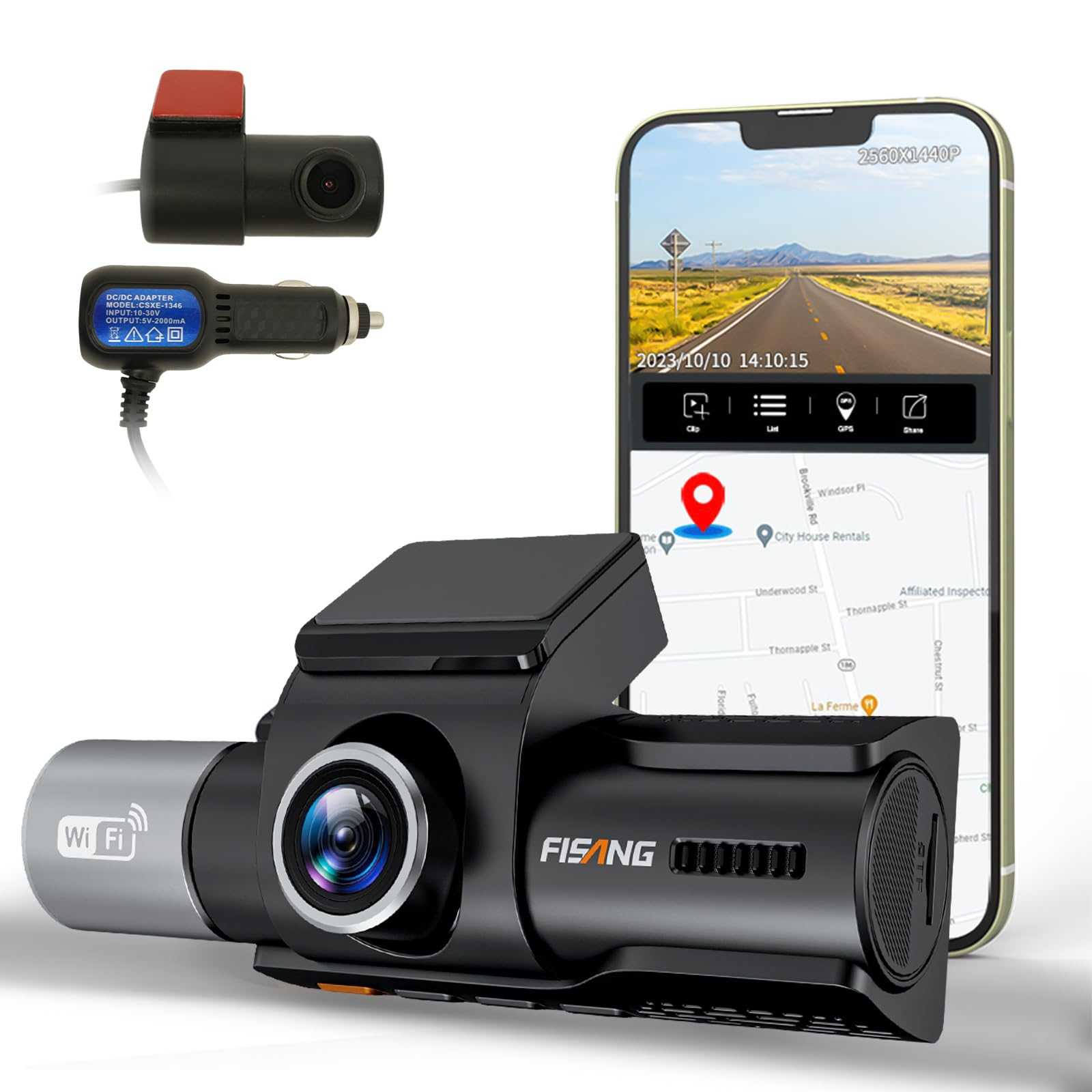
This 3-channel system covers everything a dual lens cam should — front in 4K, interior and rear in 1080P — with WiFi sync so you can pull clips to your phone without touching a microSD card.
Why Dual Lens (Or 3-Channel) Beats Single Lens
Single lens cams only capture what’s ahead. If someone rear-ends you while parked, or a passenger gets injured, you have zero footage. A multi-channel cam closes every blind spot:
- Front (4K) — License plates readable at 20+ feet; evidence-grade for insurance
- Interior (1080P) — Passenger incidents, rideshare driver protection
- Rear (1080P) — Rear-end collisions, parking lot hits
- 24H Parking Mode — Motion-triggered recording when engine is off
Full Specs
| Feature | Specification |
|---|---|
| Front Camera | 4K UHD @ 30fps |
| Interior Camera | 1080P FHD |
| Rear Camera | 1080P FHD |
| Night Vision | IR on all channels |
| WiFi | Built-in — sync clips to phone app |
| GPS | Supported (logs speed + location) |
| Parking Mode | 24H motion detection |
| Storage | Loop recording, up to 128GB microSD |
| Price | $89.99 |
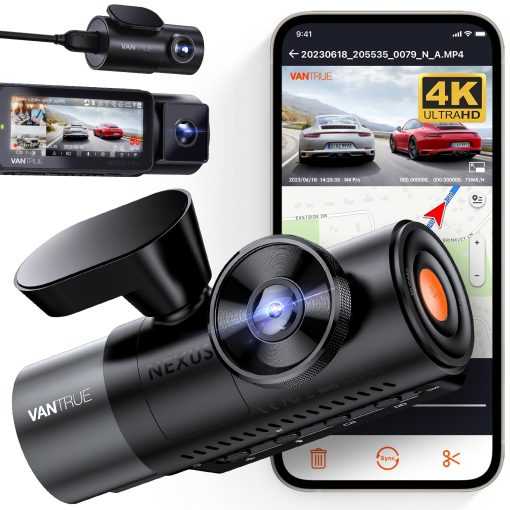
Comparison: Top Dual Lens Dash Cams Under $100
| Model | Channels | Front Res | WiFi | GPS | Price |
|---|---|---|---|---|---|
| 3-Channel WiFi 4K | 3 | 4K | Yes | Yes | $89.99 |
| 70mai M200 | 2 | 1080P | Yes | No | $79.99 |
| Z-Edge Z3 Pro | 2 | 1080P | Limited | No | $89.99 |
| Viofo A139 | 2 | 2K | Yes | Optional | $99.99 |
Verdict: For the price, the 3-Channel WiFi 4K Dash Cam wins outright — 3 cameras, GPS, WiFi, and 4K front recording at $89.99 beats every single 2-channel competitor under $100.
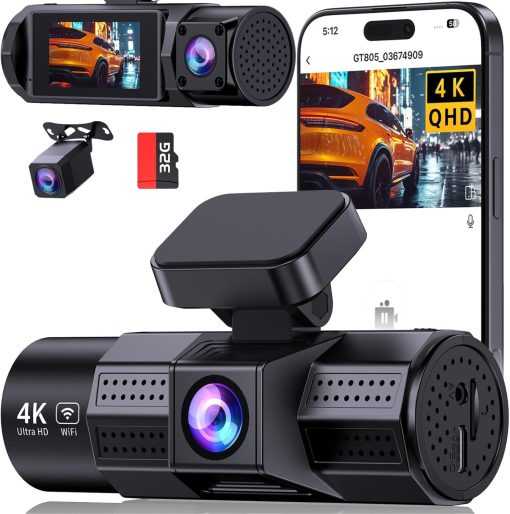
Installation Guide (15 Minutes)
- Position front camera — center windshield below rearview mirror
- Mount interior camera — dashboard facing cabin, angled down
- Mount rear camera — rear window, plug in via included cable
- Route cables — tuck along headliner and trim
- Connect power — 12V cigarette lighter adapter (included); no hardwiring needed for basic recording
- Insert microSD — 64GB minimum; 128GB recommended for 4K loop recording
- Test — red LED confirms recording; connect via WiFi app to verify all three channels
FAQ
Q: Do I need to hardwire for 24H parking mode?
A: Yes — parking mode requires continuous power when engine is off. Use the included hardwire kit (or a $20 universal kit) to tap your fuse box. Without hardwiring, recording stops when you turn off the ignition.
Q: What microSD card size do I need?
A: At 4K on the front channel, 128GB gives roughly 8–12 hours before loop recording overwrites. Use a Samsung Endurance or Sandisk High Endurance card — regular cards wear out faster with constant write cycles.
Q: Does the WiFi require a separate hotspot?
A: No. The cam creates its own WiFi hotspot. Connect your phone directly to view live footage or download clips — no internet connection needed.
Q: Is a 3-channel dash cam legal?
A: Yes in all 50 US states. Interior recording is legal in your own vehicle. For rideshare, check your state’s one-party consent laws for audio recording — video-only is always fine.
Q: Why choose 3-channel over 2-channel?
A: The rear camera adds coverage that an interior-only dual lens misses. Rear-end collisions on the highway are the most common accident type — a rear channel documenting the approaching vehicle is the difference between a clear insurance claim and a “he-said-she-said.”
Where to Buy
3-Channel WiFi 4K Dash Cam — $89.99 on thesupdesk.com →
Related: Best Home Security Cameras Under $100 (2026) | Best Desk Accessories Under $50 | Best Standing Desks Under $250