

Security Cameras
Best Wireless Home Security Cameras Under $100 (2026)

Apr
Home security no longer means hiring professionals or signing three-year contracts. In 2026, wireless security cameras under $100 connect directly to your WiFi and sync to your phone — giving you instant alerts, night vision, and HD video without installation fees or monthly monitoring charges.
Whether you’re securing an apartment, condo, house, or office, wireless cameras under $100 deliver professional surveillance at consumer prices. Here’s what actually works.
Quick Comparison: Wireless Security Cameras Under $100
| Camera | Price | Connection | Resolution | Power | Night Vision | Best For |
|---|---|---|---|---|---|---|
| Wyze Cam v3 | $29.99 | WiFi 2.4/5GHz | 1080p | USB | Color | Renters + budget |
| Blink Indoor/Outdoor | $49.99 | WiFi (sync hub) | 1080p | Battery | IR | Multi-room setups |
| TP-Link Tapo C120 | $54.99 | WiFi 2.4GHz | 1080p | USB | IR | Apartments with AI |
| Reolink Argus 3 Pro | $89.99 | WiFi + LTE | 2K | Battery + solar | Color | Remote properties |
#1: Wyze Cam v3 — Best Entry-Level Wireless Camera ($29.99)
The Wyze Cam v3 is the gold standard for budget wireless surveillance. At under $30, you get 1080p, WiFi connectivity, color night vision (crucial for identifying people), person detection AI, and local microSD storage.
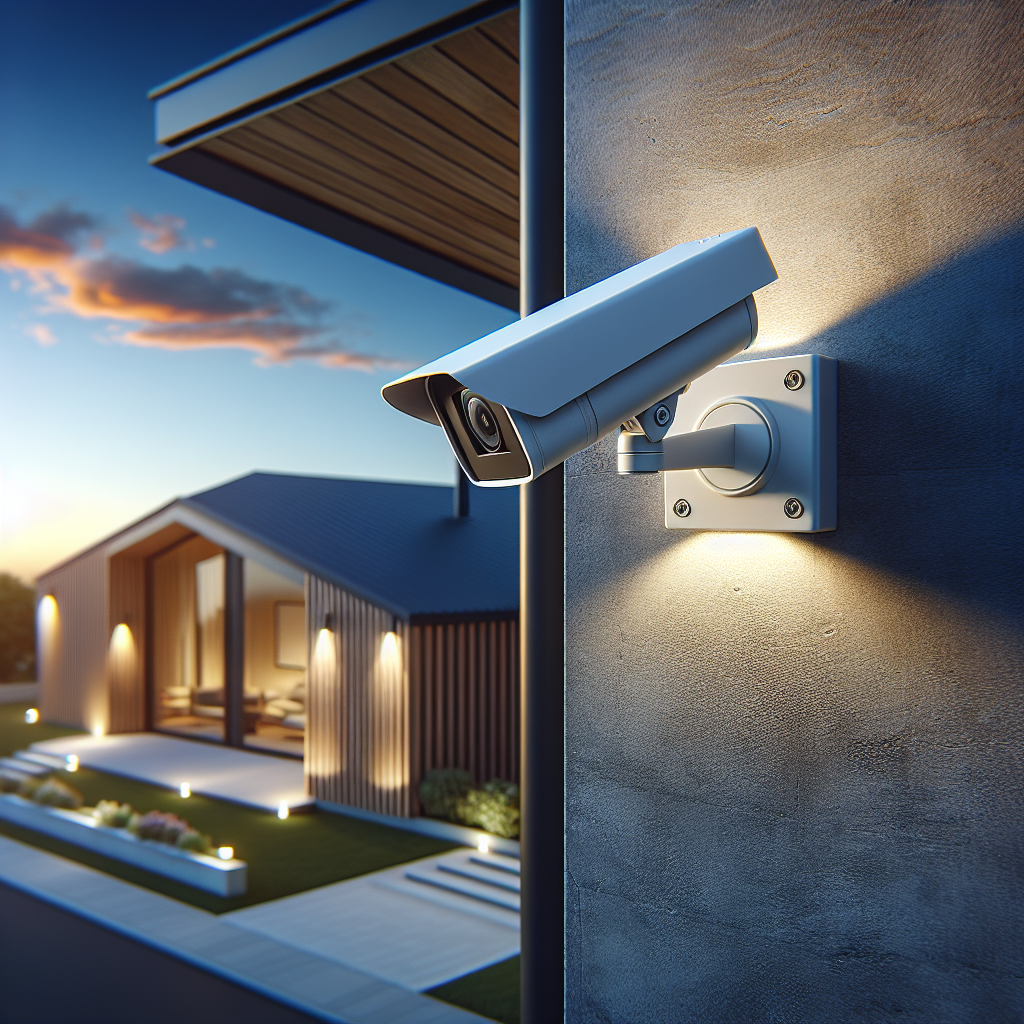
Why it dominates the sub-$50 category:
- Color night vision actually identifies faces; IR-only is useless for ID
- No cloud subscription required; data stays on your microSD
- Setup is literally plug-and-play: Wyze app + WiFi password
- Works with Amazon Alexa + Google Home
- USB-powered (needs outlet or extension cord)
Pros: Cheapest option · Zero cloud fees · Color night vision · Person detection · Easily stackable (buy 2–3 for whole-home coverage)
Cons: USB power cord required · Needs continuous power (no battery option) · Smaller sensor = graininess at distance
Best for: Renters who can’t drill, apartment dwellers, and first-time camera users. Buy 2–3 and cover living room, bedroom, and entry hallway.
#2: TP-Link Tapo C120 — Best for Apartments with Free AI ($54.99–$64.99)
The Tapo C120 bridges budget and capability. It’s a compact 1080p WiFi camera with on-device AI person detection (no cloud subscription), IP67 waterproofing, and a design slim enough for apartment balconies and window sills.
Why it wins for smart apartments:
- Free person AI detection runs on-device; no cloud required
- On-device processing means privacy: your video never leaves the camera
- IP67 rated: works indoors and outdoors
- Compact form factor doesn’t block windows or look ugly
- TP-Link’s privacy practices are transparent
Pros: Free AI · On-device processing · Privacy-focused · Compact · IP67 outdoor-rated · Works with Alexa/Google
Cons: Narrower 110° field of view · USB power only · IR-only night vision (not color)
Best for: Apartment renters prioritizing privacy and aesthetics. Perfect for entryway or balcony placement.
#3: Blink Indoor/Outdoor — Best Wireless Multi-Camera System ($49.99–$99.99)
Blink stands out for scalability. Buy one camera, add unlimited more. The system uses Blink’s proprietary WiFi hub (sold separately, ~$35), but once set up, battery-powered cameras place anywhere. No power cords = true wireless freedom.
Why it wins for whole-home coverage:
- Battery-powered: place cameras literally anywhere
- Wireless syncing to hub: no complicated mesh networks
- Works across multiple rooms simultaneously
- Reliable motion detection; fewer false alerts than competitors
- Built-in 2-way audio for deterrence
Pros: Battery-powered (genuine wireless) · Multi-camera scalability · Reliable motion detection · Affordable per-camera · Amazon ecosystem integration
Cons: Sync hub required (~$35 extra) · No color night vision (IR-only) · 1-2 month battery life; needs quarterly recharges
Best for: Multi-room deployments (living room + bedroom + garage). Families wanting true wireless without power cords.
#4: Reolink Argus 3 Pro — Best 2K Wireless Camera Under $100 ($89.99)
If you want the best image quality under $100, Reolink’s Argus 3 Pro delivers 2K resolution, optional LTE connectivity (works without WiFi), solar charging, and person/vehicle AI detection.
Why it’s the premium pick under $100:
- 2K resolution: 2560×1920 captures license plates, faces, and details that 1080p misses
- Battery + solar: recharge indefinitely if sunlit
- LTE backup: records even if WiFi goes down
- Person/vehicle detection (free); no monthly fees
- Magnetic mount: repositions in seconds
Pros: 2K resolution · Solar charging option · LTE connectivity · Battery-powered · Free AI detection · Excellent color night vision
Cons: Highest price in this list ($89.99) · Battery management required (without solar) · Larger form factor · LTE adds $10/mo if activated
Best for: Premium users who want the best image quality under $100, remote properties without reliable power, and anyone willing to spend the full budget for best results.
Wireless vs. Wired: What’s the Real Difference?
Wireless advantages:
- No drilling, no running cables through walls
- Perfect for renters
- Easy repositioning
- Installation in under 5 minutes
Wireless limitations:
- Battery cameras need quarterly recharging (except solar-powered)
- WiFi dependency: if your internet drops, camera stops recording
- Slightly more expensive per unit than wired equivalents
Best hybrid approach: Wireless where you need flexibility (entry points, patios). Wired (via USB extension) for permanent installations (living room, kitchen).
Wireless Camera Installation Guide
- WiFi placement: Test signal strength first. Cameras at the WiFi edge drop frames. Use a WiFi 6 router if you have multiple cameras.
- Motion detection zones: Customize immediately. Disable alerts for trees, street traffic, and car lights. Save yourself from notification fatigue.
- Cloud storage strategy: Local first, cloud second. MicroSD cards hold 30 days of footage. Use Wyze/Tapo/Reolink cloud backup only for important events.
- Night vision mode: Set to “auto.” Cameras switch between color and IR automatically based on light levels.
- Router placement: Consider camera line-of-sight. Walls and interference matter. Position your router elevated and centrally.
- Password security: Use strong WiFi passwords. Cameras are entry points; weak WiFi security = security vulnerability.
Wireless Under $100 vs. Professionally Monitored Systems
| Factor | Wireless Under $100 | Monitored System |
|---|---|---|
| Setup cost | $30–90 | $500–$2,000 |
| Monthly fee | $0 (optional cloud) | $25–$60/mo |
| DIY installation | 5 minutes | Requires technician |
| Phone alerts | Instant (real-time) | 24/7 call center (slower) |
| Video quality | 1080p–2K | Professional 4K systems |
| Year 1 cost | $30–90 | $800–$1,500 |
Verdict: Wireless under $100 beats monitored systems for modern homes. You get real-time alerts, better video quality, and zero long-term contracts.
Bottom Line
Start with Wyze Cam v3 ($29.99). It’s the best value, period. If you want outdoor durability, choose Tapo C120 ($54.99). If you need multi-room wireless freedom, choose Blink ($49.99–$99.99). If you demand 2K quality, choose Reolink Argus 3 Pro ($89.99).
All four are wireless, affordable, and subscription-optional. Buy one, try it for a week, then buy two more to cover your entire property. Professional security monitoring costs 10× more and takes longer to alert. Wireless cameras under $100 are faster, cheaper, and work just as well.
Shop Security Cameras on thesupdesk.com →
Related: Best Outdoor Security Cameras Under $100 · Best Wireless Security Camera for Home Under $75 · Baseline Vision vs Reolink — Which AI Camera Is Worth $2,000+?