

Buyer's Guides, Tech Gadgets
Is Insta360 X3 Worth Buying in 2026? A Practical Buying Guide
Oct
The Insta360 X3 is currently listed at $329.99. Compare the camera, required accessories and your editing workflow before deciding whether an older model is the right value.
Quick answer: The Insta360 X3 can still be worth buying in 2026 for daylight travel, outdoor activities and learning to reframe 360 video. It is less compelling when low-light detail, the highest reframed resolution or the newest workflow features matter most. Compare the complete price difference with current alternatives rather than judging only the camera’s age.
This is a retailer’s buying guide, not a hands-on review. The SUP Desk sells the linked X3. We checked its store price and associated product images on October 30, 2026. The right choice depends on the videos you want to finish, the device you will edit on and the accessories needed to film safely.
What makes a 360 camera different?
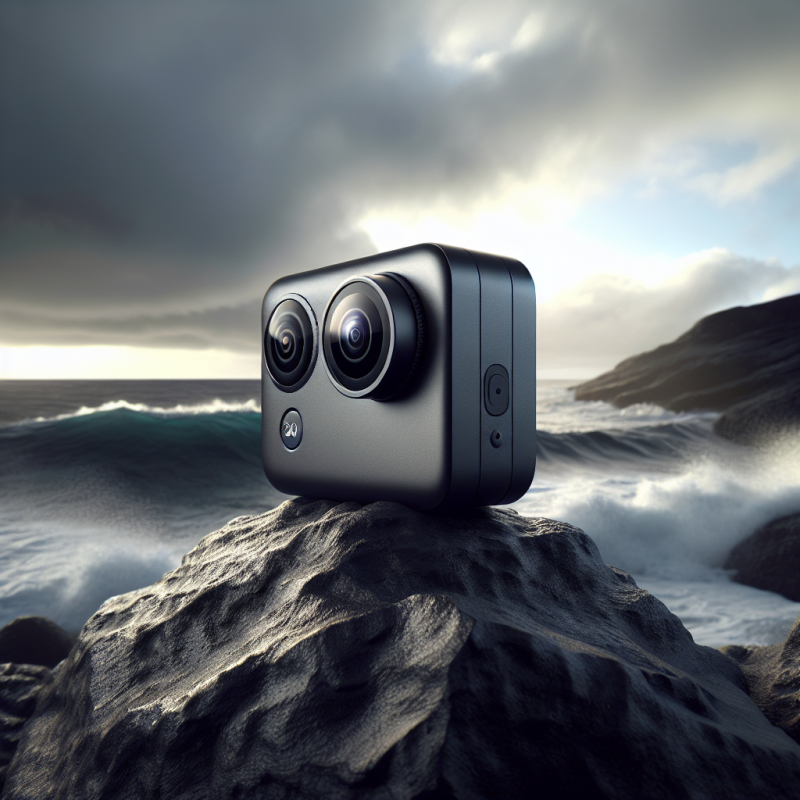
The X3 uses two opposing lenses to record the scene around the camera. Software stitches their images into a spherical view. You can then choose the viewing direction after recording and export a conventional horizontal, square or vertical clip. That flexibility is useful when you cannot point a normal camera precisely while moving.
It does not mean every part of the scene has unlimited detail. Each lens records a finite image, stitching has limitations and the final crop uses only part of the sphere. Think of 360 capture as giving you choices in framing after the event. It does not remove the need for good light, careful placement and a clear idea of the finished story.

Understand the 5.7K headline before comparing cameras
The X3 is specified for up to 5.7K 360 video. That resolution covers the full panoramic frame, not a narrow view exported from it. When you reframe to follow a person or a bicycle, the resulting conventional video draws from a smaller part of the original image. A tight crop therefore contains less detail than the headline resolution might suggest.
That distinction matters if you expect to zoom deeply into a distant face or produce a detailed large-screen film from a small crop. Move the camera thoughtfully and avoid relying on extreme digital enlargement. For a social clip viewed on a phone, framing freedom may be more valuable than maximum pixel detail. For detailed landscape work, compare actual exported samples at the intended viewing size.
Practical specifications and what they mean
| X3 feature | Practical meaning | Buying question |
|---|---|---|
| 5.7K 360 video | Full-sphere capture that can be reframed | Is the detail in your intended crop sufficient? |
| 72MP 360 still-photo mode | High-resolution panoramic photography | Do you need stills or mainly moving video? |
| Single-lens recording up to 4K | A conventional action-camera workflow is available | Would a dedicated action camera better fit most of your use? |
| FlowState stabilization | Software-assisted stabilization in supported workflows | Does the exported footage look natural for your activity? |
| Waterproofing specified to 10m under stated conditions | Seals and correct preparation are essential | Do you need a compatible dive case for your underwater use? |
Modes have different resolution, frame-rate and processing limits; do not assume all maximum values apply simultaneously. Consult the current X3 manual for the mode you will actually use. A specification table helps narrow the choice, but a relevant sample workflow tells you more than comparing the largest number from every mode.
Daylight is the most straightforward use case
Travel walks, open trails and outdoor activities in good light are sensible starting points. With adequate light, the camera can use settings that better preserve detail in movement. Place the important subject at a useful distance and check both lenses for dirt. A fingerprint can become conspicuous when light strikes the curved glass.
Imagine filming a beach walk. You can begin with a forward view, turn the exported frame toward your companion and finish facing the water, all from one 360 recording. That is a clear creative benefit. It does not require pretending the X3 matches every newer camera in sharpness or noise performance.
Low light is a reason to compare carefully
Indoor restaurants, dusk walks and night rides challenge small camera systems. Noise reduction can soften detail, and slower shutter speeds can blur movement even when stabilization keeps the overall horizon steady. Stabilization cannot turn every blurred moving subject into a sharp one. Judge footage showing the activity you intend to record rather than a static nighttime promotional scene.
If most of your filming occurs after dark, compare current camera models and a suitable conventional camera before choosing the X3 on price. A newer 360 model may improve relevant performance, but higher price alone does not guarantee your desired result. Ask whether a larger sensor, different lens or added lighting solves the actual problem better.
X3 versus a newer 360 camera
The X3’s value is strongest when the price gap buys something you genuinely need, such as a spare battery, protective equipment or storage. Compare final kit prices with the same essential accessories. A discounted older camera can become less attractive if required parts are difficult to find or if a newer package includes accessories you would otherwise purchase.
Compare exported detail, low-light movement, transfer speed, app support, battery availability and service options. Newer models may offer higher capture resolution or workflow improvements, but inspect the exact product rather than treating “newer” as one feature. If the X3 already produces footage suitable for your delivery platform, the remaining money may be better spent on learning and dependable mounts.
X3 versus a traditional action camera
A traditional action camera records the direction in which it is aimed. That can be simpler, require less reframing and provide strong detail within its chosen field of view. The X3 records around itself, giving you framing options later. The trade-off includes exposed lenses, stitching considerations and an editing step for most conventional exports.
For a helmet view where you always want the trail ahead, compare a dedicated action camera. For a walking tour where your attention shifts between scenery and people, 360 capture can be more flexible. Some creators use both approaches because they solve different problems. Choose the workflow you will actually finish rather than the one with the most possible modes.

Protect the lenses before planning adventurous shots
The curved lenses are central to the camera’s coverage and vulnerable to scratches. Place the camera on appropriate surfaces, use a suitable protective cap during transport and inspect any lens guards for dirt or damage. Guards can influence reflections and stitching, so use supported accessories and select the appropriate software settings where the manufacturer requires them.
Do not assume every mark can be removed in editing. A scratched lens can affect many future clips, especially when facing bright light. When comparing used or refurbished equipment, ask for clear photographs of both lenses and the actual condition of seals, battery and ports. Confirm repair options and cost before treating a heavily discounted unit as a bargain.
Mounting and invisible-stick shots need care
The familiar invisible-selfie-stick effect relies on supported placement near the stitching region and appropriate equipment. A stick positioned incorrectly or bent under load may appear in the result. Stitching can also struggle with nearby objects that cross the seam. Test a short clip before recording an important outing and inspect the exported result, not only the preview.
Use mounts rated and appropriate for the activity. Secure equipment so it cannot interfere with steering, brakes, helmets or other safety systems. Follow location and activity rules. A dramatic extended-stick shot is not worth exposing another person to a falling camera or distracting yourself while riding. Have a companion handle filming where that is the safer option.
Waterproof does not mean maintenance-free
Follow the X3 manual’s depth, preparation and water-use instructions. Covers and seals must be correctly closed and undamaged. Water resistance does not establish that every accessory is submersible, that impact damage is harmless or that the same limit applies in every activity. Inspect and maintain the camera as instructed after water exposure.
Underwater 360 stitching can differ because refraction changes how the lenses see the scene. A compatible dive case may be needed for the intended depth and image quality. Choose one specifically supported for X3, with the appropriate stitching settings. Do not buy a case solely because it resembles one for another Insta360 generation.
Plan the phone and computer workflow
Before purchase, check the current Insta360 app and desktop software requirements against your actual phone or computer. An app being available in a store does not prove every editing feature performs well on your hardware. Processor, graphics capability, operating system, storage and free working space all influence the experience.
Test a representative 360 file if one is available from an authorized source. Import it, reframe a short clip and export at your intended resolution. Notice how long it takes and whether the device becomes unresponsive. A camera that is affordable but unpleasant to edit can leave you with a collection of unfinished files instead of usable videos.
Storage, transfer and backup costs
360 video files can become large, especially during long outings. Use a memory card meeting the exact model’s published speed, capacity and formatting requirements. The cheapest large-capacity card is not necessarily reliable for sustained camera recording. Obtain media from a reputable source and test it before an important event.
Keep original footage until you know the finished exports are correct and your backup is complete. Deleting the original may remove the ability to create a different framing later. A practical travel plan includes enough card space, a supported transfer method and a second copy of irreplaceable clips. Budget for storage alongside batteries and mounts.
A simple three-shot travel workflow
First shot: Record a short establishing walk in good light, keeping the camera steady and clear of nearby obstructions. Choose one subject or destination. Do not run a long recording without a purpose simply because you can point the frame anywhere afterward.
Second shot: Capture a detail or reaction with a deliberate camera position. Keep faces away from troublesome stitching areas and avoid placing the lenses too close to people. Check that the person is comfortable being recorded and comply with applicable location rules.
Third shot: Record a closing view, then export a short sequence with a consistent aspect ratio. Use reframing to guide attention rather than spinning the view continuously. Review it on the type of screen your audience uses. If viewers cannot tell what matters, simpler framing often improves the result more than adding effects.

Frequently asked questions
Is reframed X3 video really 5.7K?
The 5.7K specification refers to full 360 capture. A conventional view uses part of that sphere, so its available detail depends on how widely or tightly you reframe. Exporting a crop into a larger output file does not create original detail that was never captured. Compare finished samples at your intended viewing size.
Is it good for nighttime social videos?
It can record at night, but that does not make it the best purchase for predominantly dark scenes with moving people. Compare actual motion, noise and detail with alternatives. For a creator working mostly in nightlife, the desired look and lighting are more important than the flexibility of recording an entire sphere.
Can I use it without learning editing?
You can use supported straightforward recording modes, and app tools can simplify some tasks, but conventional videos from 360 footage usually need framing choices and export. Plan time to learn those steps. If you mainly want immediately shareable forward-facing clips, compare a traditional action camera and its simpler workflow.
Does waterproofing mean I can dive without a case?
Follow the manufacturer’s exact depth and preparation limits. Consider both physical protection and underwater stitching quality. A supported X3 dive case may be the right choice for the intended activity. Check seals and accessory compatibility, and never extend the manufacturer’s limits because another owner’s camera survived a particular outing.
Is $329.99 a good buy?
It may be if the X3 meets your daylight filming needs and the complete package remains meaningfully cheaper than suitable alternatives. The checked store price is $329.99, but compare condition, accessories, support, return terms and editing requirements. A low camera price alone does not establish good value for your use.
Buying verdict
Choose the X3 for affordable entry into daylight 360 creativity when you are willing to protect its lenses and learn reframing. Compare other options if low light or maximum crop detail dominates your work. Review the Insta360 X3 product page and check the actual package before ordering. If you want aerial filming instead, our DJI Mini 5 Pro beginner guide explains the additional flight and compliance responsibilities.
Sources
Consult the official Insta360 X3 product information and X3 online manual for mode-specific specifications, waterproofing, supported media and care. Check the current Insta360 app and Studio system requirements before purchase. Product identity, price and the three existing gallery images were checked against The SUP Desk’s WooCommerce record; no sample images are represented as footage captured in our own testing.