

Buyer's Guides, Tech Gadgets
Dashcam Parking Mode: Hardwire Kit vs External Battery Pack
Oct
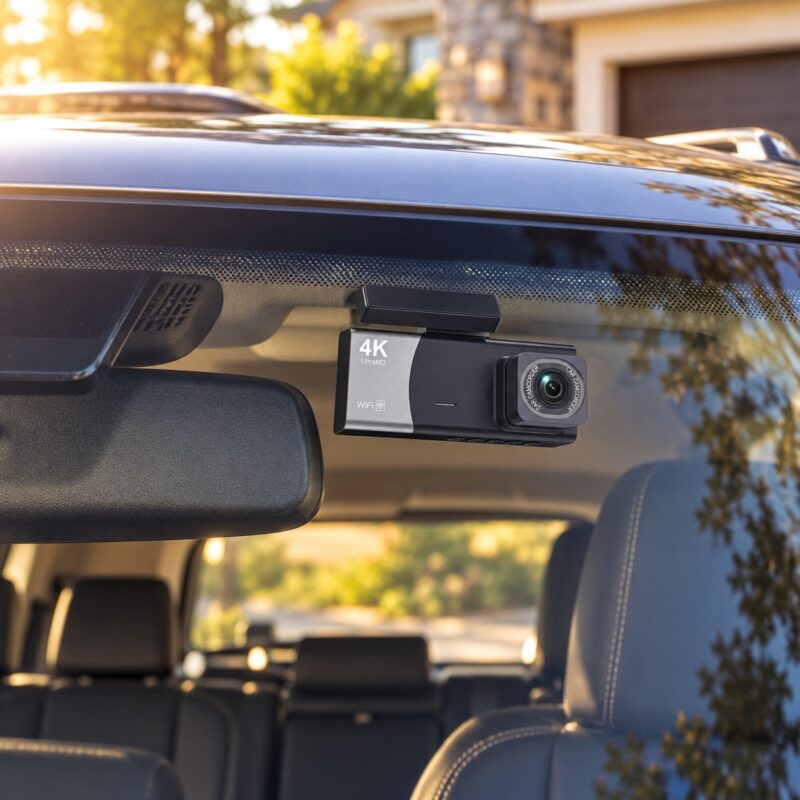
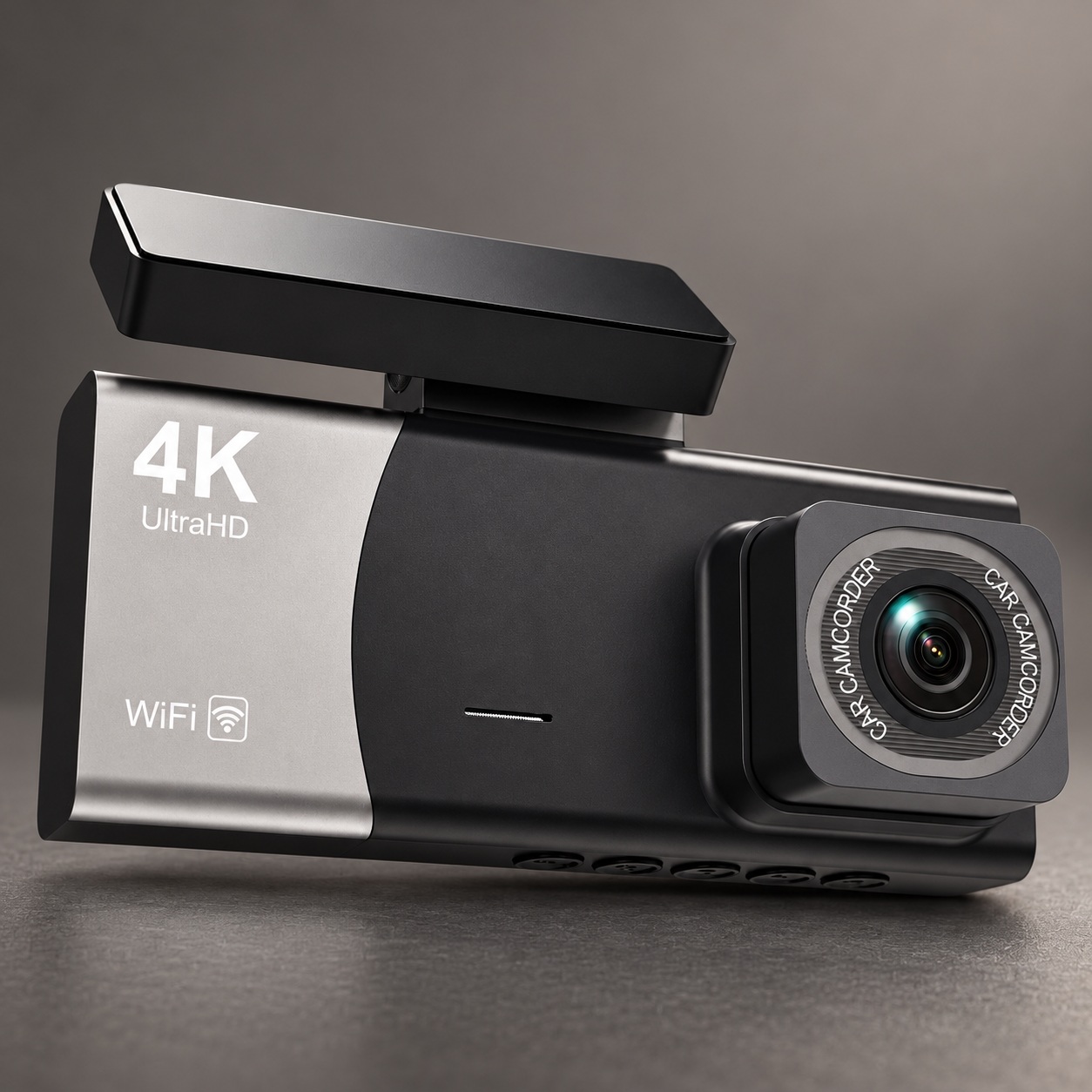
Featured product: USEEBEE ZV54-3CH 3-Channel WiFi Dash Cam
Front, interior and rear camera configuration. Current listed price: $89.99. Confirm parking-mode kit compatibility before ordering.
Quick answer: Use a compatible hardwire kit with a conservative low-voltage cutoff for a discreet parking-mode installation, or a compatible dashcam battery pack if you want greater separation from your vehicle’s starting battery. Neither option provides unlimited runtime. Choose based on the camera’s real power needs, your driving pattern, and the car’s electrical system.
This complete guide covers the trade-offs without claiming that any particular camera or installation has been independently tested. We operate The SUP Desk and link to our products where they are relevant.
What a dashcam really needs to do while your car is parked
Parking recording is different from recording a commute. A moving car normally supplies continuous power, so the camera can overwrite older footage as the memory card fills. A parked car may sit for hours or days, and the camera has to decide when to wake, what to capture, how much electricity to use, and when to shut down. Before choosing between a hardwire kit and a dedicated battery pack, decide whether you need evidence of parking-lot impacts, people approaching the vehicle, or continuous video throughout the night. Those goals demand different amounts of power and storage.
For example, an impact-triggered dashcam may conserve energy but miss the minutes leading up to an incident. Motion-triggered monitoring may record approaching people yet generate lots of false clips in a busy garage. A continuous or time-lapse mode can tell a fuller story, but it increases energy demand. The best setup starts with the event you are trying to document rather than the claim on a retail box.
Hardwiring explained: accessory power, constant power and ground
Many parking-mode hardwire kits use three connections: an accessory circuit that changes with the ignition, a constant-power circuit, and a ground. The dashcam uses this distinction to switch from driving recording to parking behavior. Other devices use different wiring arrangements; follow the exact camera and kit manuals. Installers must choose the proper fuse locations and direction of fuse taps, use the correct fuse rating, and route cables clear of airbags and moving pedals.
A kit advertised as having a low-voltage cutoff can interrupt power when the car battery reaches a configured threshold. That feature helps, but it is not a guarantee the engine will start afterward. Temperature, battery age, state of charge, parasitic loads, vehicle electronics, and the cutoff setting all influence the result. For vehicles with complex electrical systems, a qualified installer is a sound investment.
Dedicated dashcam batteries: what you gain and what you sacrifice
A purpose-built external battery pack provides a separate energy store for the camera while the vehicle is parked. When installed correctly, it can reduce the amount of parking-mode energy drawn from the car’s starting battery. However, the external pack must itself recharge when you drive or through an approved charger, and it needs to be compatible with the camera’s voltage, connectors, and parking-mode signaling.
Capacity, charging time, operating temperature, and physical size matter as much as price. If you only drive for short errands, a large battery may not recharge before the next overnight parking session. If your vehicle sits in extreme heat, investigate thermal ratings and placement carefully. Avoid hiding a pack under carpet or beside a heat source without the manufacturer’s approval. A generic phone power bank is not interchangeable with a dashcam-rated parking battery.
How much parking runtime can you realistically expect?
Estimate runtime using watt-hours, not the number of milliamps printed on a battery advertisement. The basic approximation is usable battery energy divided by average camera consumption. A hypothetical battery providing 60 usable watt-hours with a camera averaging 4 watts might last around 15 hours. At 6 watts, the same usable energy could be exhausted in about 10 hours. Those are examples, not measurements of the USEEBEE model.
Actual results depend on whether one, two, or three channels are active, whether Wi-Fi remains enabled, camera power conversion losses, recording modes, battery health, and temperature. If you want 24-hour recording, aim for more than 24 hours of calculated nominal capacity so ordinary variation does not defeat the plan. Better still, perform an overnight test and measure the actual power draw with an appropriate meter before depending on the setup.
The difference between impact, motion and time-lapse parking modes
Impact-triggered recording uses a motion sensor or G-sensor event to save a clip when something shakes or strikes the vehicle. It may require the camera to remain partially powered, and sensitivity can produce nuisance recordings. Motion detection tries to capture movement in the scene, which can help with approaching pedestrians but may trigger repeatedly around passing traffic, swaying trees, and changing shadows.
Time-lapse stores fewer frames per second and can preserve a longer view of a parked vehicle with less storage, although it may not show the exact detail of a fast-moving event. Continuous recording provides the most timeline detail but places the highest sustained demand on power and memory. Read the exact product’s manual to learn which modes are available; manufacturers sometimes describe several very different functions under the umbrella term “24-hour parking mode.”
Three-channel systems change the power equation
A three-channel camera can cover the road ahead, the passenger cabin, and the rear window, which is useful for drivers who want more context around incidents. Those additional views may increase power consumption, data throughput, and the amount of recorded footage. Not every dashcam operates every channel at its maximum advertised resolution simultaneously. Confirm the actual multi-channel resolution, frame rate, supported memory-card capacity, and whether parking mode uses all cameras.
The USEEBEE ZV54-3CH listed at The SUP Desk is advertised as a Wi-Fi three-camera configuration with parking-monitoring support. The site explicitly notes that a compatible hardwire kit may be required and that simultaneous recording resolutions have not been independently verified. Buyers should not assume that the camera includes a battery pack or that a particular parking runtime is guaranteed.
Choosing a setup for a commuter, rideshare driver or infrequent driver
Daily commuters who drive long enough to recharge an auxiliary battery may value the separation from the starting battery. Drivers who park only briefly at a workplace might be satisfied with a hardwire kit and conservative voltage cutoff, provided their vehicle and installer support that arrangement. Someone who leaves a car at an airport for several days should not expect unlimited monitoring from either solution without verifying the available energy.
For rideshare drivers, cabin footage can be valuable while working, but audio and video recording laws, passenger privacy, notice requirements, and platform rules vary. The cabin camera may also affect mounting position and cabling. Delivery drivers who stop frequently should test how quickly the device enters and exits parking mode so events during short stops are not missed. There is no universal best wiring choice for every use pattern.
What hybrid, electric and newer cars require you to check
Newer vehicles can include battery-management systems, sensitive electronics, and accessory circuits that behave differently from older cars. Some circuits remain awake for a period after the doors lock; others wake periodically. A supposed ignition-switched fuse might therefore not behave the way a simple installation video suggests. Consult vehicle-specific documentation and use testing equipment rather than guessing.
Hybrid and electric vehicles still have low-voltage electrical systems, but their charging behavior can differ substantially. Ask the installer whether the vehicle maker provides approved accessories or special guidance for aftermarket monitoring devices. Avoid splicing into safety-system wiring. Any claims about warranties should be examined case by case; the mere presence of an aftermarket camera does not automatically prove it caused a later electrical failure.
Memory cards and file reliability deserve equal attention
A camera that powers on but fails to save usable files is not protecting you. Continuous dashcam recording repeatedly writes to a memory card, so use a card of the correct type, capacity, and speed rating specified by the camera maker. A high-endurance card is often appropriate for constant write cycles, but compatibility still matters. Format the card using the supported procedure and inspect sample footage rather than assuming everything was recorded.
Find out how the camera marks emergency clips and whether those files can still be overwritten when storage fills. Check time and date settings, especially after power has been disconnected. In a three-camera model, review sample clips from all three views. Do not wait until an accident to discover that the rear camera connector came loose or the memory card developed errors.
Mounting position, cable routing and heat management
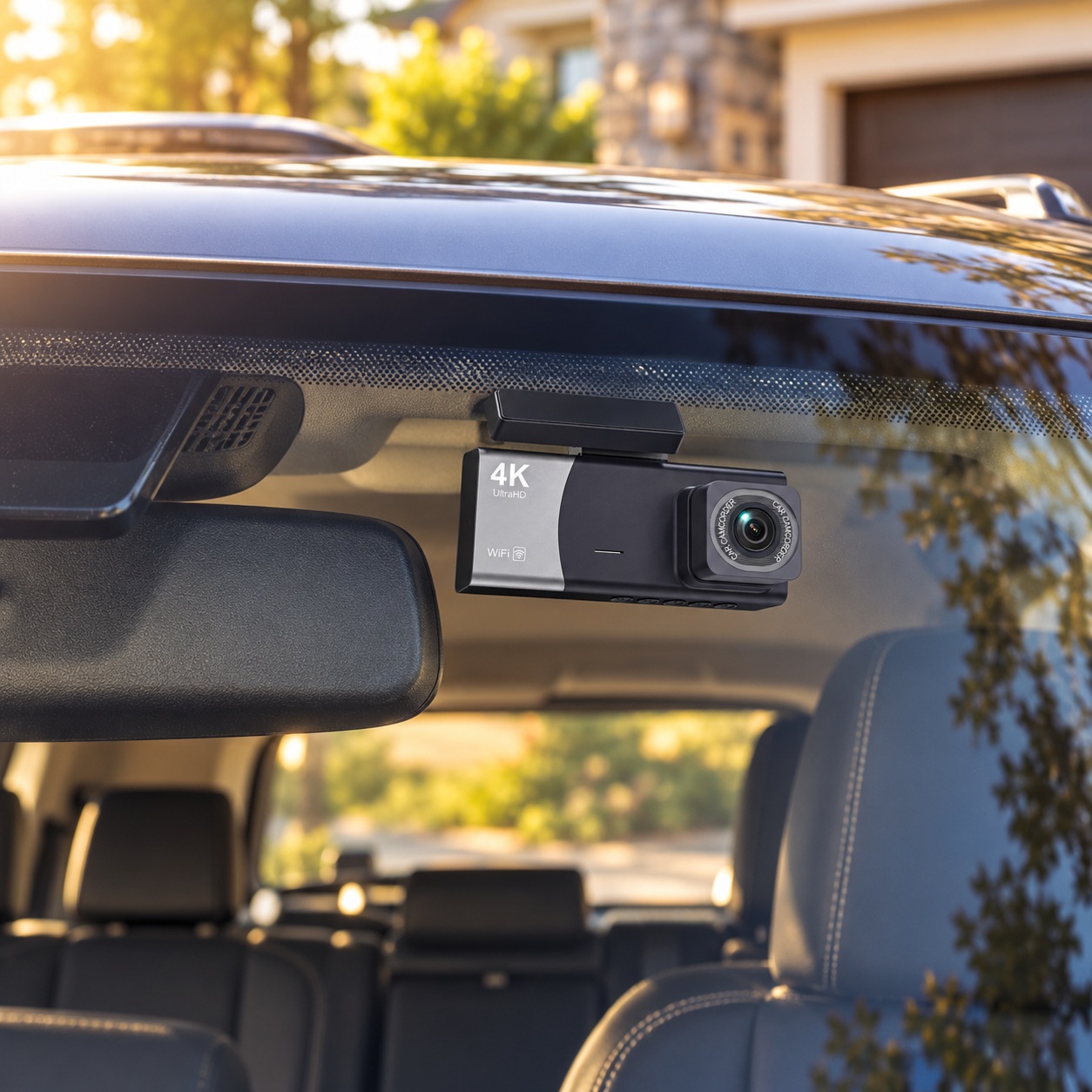
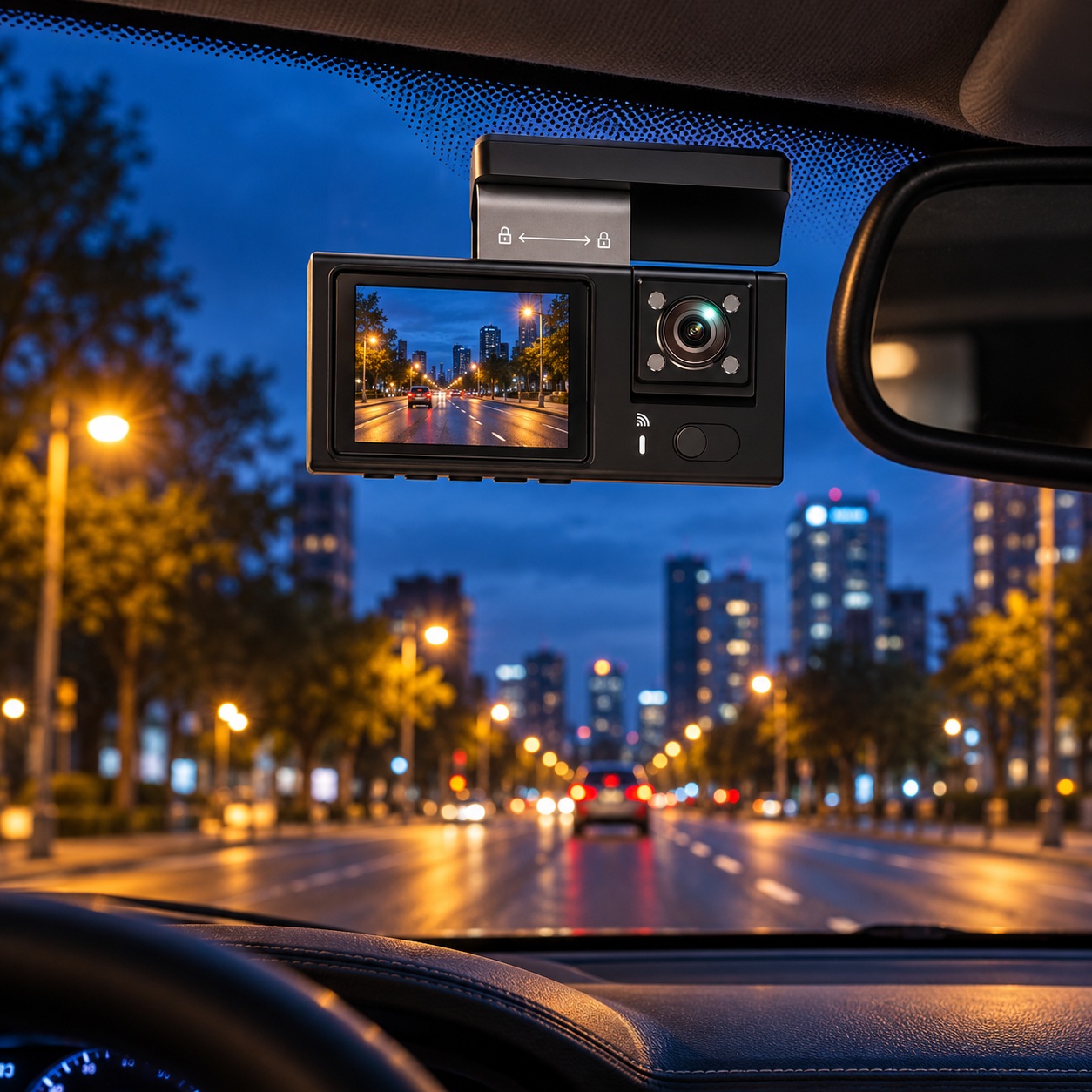
Mount the forward camera where it sees the road without obstructing the driver’s view or interfering with safety equipment. The ideal location often differs by windshield design, mirror housing, tint band, and local rules. Do not run wiring across the deployment path of curtain airbags or interfere with a vehicle’s trim clips, seat-belt mechanism, or pedals. Secure the rear cable so luggage and folding seats cannot pull it loose.
Parked-car interiors can become extremely hot. Heat reduces battery performance and can shorten the life of electronics or adhesives. Review operating temperature specifications before placing a camera or battery where it will bake in the sun. If the camera repeatedly restarts during hot afternoons, investigate mounting, power quality, thermal protection, and firmware rather than merely replacing the memory card.
Installation costs and total cost of ownership
When comparing prices, include more than the camera itself. A hardwire installation may need a compatible cable kit, fuse taps, suitable replacement fuses, cable-routing supplies, a high-endurance memory card, and perhaps professional labor. A dedicated battery solution adds the cost of the battery, charger, wiring, and any required adapter. The lowest advertised camera price is not necessarily the least expensive fully installed setup.
There are ongoing considerations too: memory cards eventually wear out, battery packs lose capacity with age, and cameras may require firmware maintenance. A sensible budget includes replacement media and occasional checks. Decide which expenses you are comfortable with before buying an external battery merely because another driver reports success with a different car and dashcam combination.
A practical overnight acceptance test before you rely on the system
First, record a short daytime trip and verify front, cabin, and rear clips can be opened on another device. Second, park the vehicle with the ignition off and confirm the camera enters the intended parking mode. Third, allow it to sit overnight in conditions typical of your parking location. The next morning, check that the vehicle starts normally, the camera saved the expected events, and the footage has correct timestamps.
Repeat after changing sensitivity or power-cutoff settings. Check the quality of night scenes where important incidents might occur, such as a driveway or apartment parking lot. If video stops unexpectedly, diagnose whether the problem is the cutoff voltage, insufficient storage, incompatible hardware, or a parking-mode setting. This simple verification is more valuable than trusting a generic “24-hour” marketing claim.
When a wired or battery-powered solution is the wrong purchase
If parking incidents happen only in one fixed driveway, an appropriately placed outdoor security camera may provide wider context without consuming vehicle battery energy. If the car is frequently stored for a week or more, a dashcam battery alone may not meet the required runtime. If the vehicle is under warranty or has unusual electronics, take installation guidance from the vehicle manufacturer and a competent installer.
A dashcam does not prevent theft, collisions, vandalism, or harassment; it can only record events within its field of view, available power, and storage capacity. Also remember that conspicuous electronics may attract attention in some parking situations. Weigh the value of monitoring against ease of use, privacy, theft risk, and installation cost.
Frequently asked questions
Will parking mode drain my car battery?
It can, especially without low-voltage protection or when the vehicle’s battery is old or partially discharged. A compatible cutoff kit is meant to interrupt power before voltage falls too far, but the right setting varies by vehicle, temperature, and battery health. Test the car after overnight operation and have a qualified installer evaluate repeated low-battery events. An external battery may reduce reliance on the starting battery, but it still needs to recharge.
Does a dashcam need Wi-Fi to record?
Usually Wi-Fi is primarily used for viewing, transferring, or changing settings; recording often occurs locally to a compatible memory card. The exact model determines whether Wi-Fi must be active for other functions. Download a clip before relying on the camera and make sure video continues when the phone is disconnected. Wi-Fi capability should not be confused with permanent cloud upload or internet connectivity.
Can I run a three-channel dashcam all night?
Possibly, but a reliable answer requires the camera’s measured wattage, recording mode, number of active channels, and the energy available from the vehicle or dedicated battery. A manufacturer advertising parking mode does not automatically guarantee eight, 12, or 24 hours in your car. Measure average use if possible and add a reserve for temperature, startup, and aging.
Can an ordinary USB battery bank run parking mode?
Some cameras can accept compatible USB power, but many standard phone power banks shut down under low loads, have unreliable pass-through charging, or are unsuitable for temperature extremes in cars. A battery pack advertised specifically for dashcams may offer more appropriate charging and ignition behavior. Always check connectors, input voltage, and battery safety instructions rather than adapting parts by appearance.
Does the rear camera record while parked?
That depends on the dashcam’s firmware, selected mode, available power, and actual recording configuration. Three-channel recording during driving does not prove all three views will be active in every parking mode. Check the manufacturer’s manual or test parked footage from each camera. If rear coverage is essential, confirm it before purchase and again after installation.
Is motion detection better than impact detection?
Neither is automatically better. Impact detection targets sudden movement or a physical strike, while motion detection watches for activity in view. A person can approach without hitting the car, and a collision may occur outside the forward camera’s view. Multiple trigger methods can increase coverage when supported, but also produce additional footage and energy use. The right setting depends on your parking environment.
Do I need a larger microSD card for parking mode?
Longer recording windows and more cameras generally require more storage. However, capacity alone does not determine reliability; continuous rewriting wears media and some cameras enforce maximum capacity or file-system limits. Buy a compatible, high-endurance card, set the appropriate recording mode, and regularly review saved clips. Remember that event locking can eventually fill protected storage depending on the model.
Can I install the hardwire kit myself?
Experienced owners with the correct wiring diagrams and tools sometimes do. A wrong fuse tap, poor ground, cable in an airbag path, or improper power source can create problems much more expensive than an installation fee. If you cannot identify the circuits and safe routing with confidence, use a professional installer. Never cut or probe safety-system wiring merely to find a switched signal.
Does parking mode mean the camera is always filming?
No. Depending on design, parking mode might mean standby with an impact trigger, motion-activated clips, time-lapse, or continuous recording. Some cameras save a short event after waking; others maintain a rolling video buffer before the event. Ask the seller for the exact mode list and power requirements, and confirm in a test. Labels such as “24h monitor” are not enough to identify behavior.
What should I check on the USEEBEE listing before buying?
Confirm that the selected configuration includes the front, cabin, and rear cameras, then verify what installation accessories are actually in the package. Ask whether a compatible parking-mode hardwire kit is offered separately, which memory cards are supported, and the actual simultaneous recording resolution. The SUP Desk listing identifies the ZV54-3CH DVR configuration but does not independently substantiate every advertised performance figure.
Final buying verdict
If you want simple parked-car monitoring, start by understanding the camera’s parking modes and battery protections. Select a hardwire kit or external power solution only after confirming exact electrical compatibility, expected runtime, memory requirements, and installation safety. A properly configured affordable dashcam can outperform an expensive setup that loses power or stores unreadable clips. For owners who need front, cabin, and rear views, review The SUP Desk USEEBEE three-channel dashcam product page, and compare our under-$100 dashcam buying guide for additional context.
Sources and further reading
Review your vehicle’s owner manual, the dashcam and installation-kit manuals, and current local windshield-mounting and recording rules. This buyer’s guide explains general engineering and installation trade-offs and does not provide vehicle-specific wiring instructions. The original community question illustrates the decision readers are trying to make.